How the Shark Tooth Scanner Works
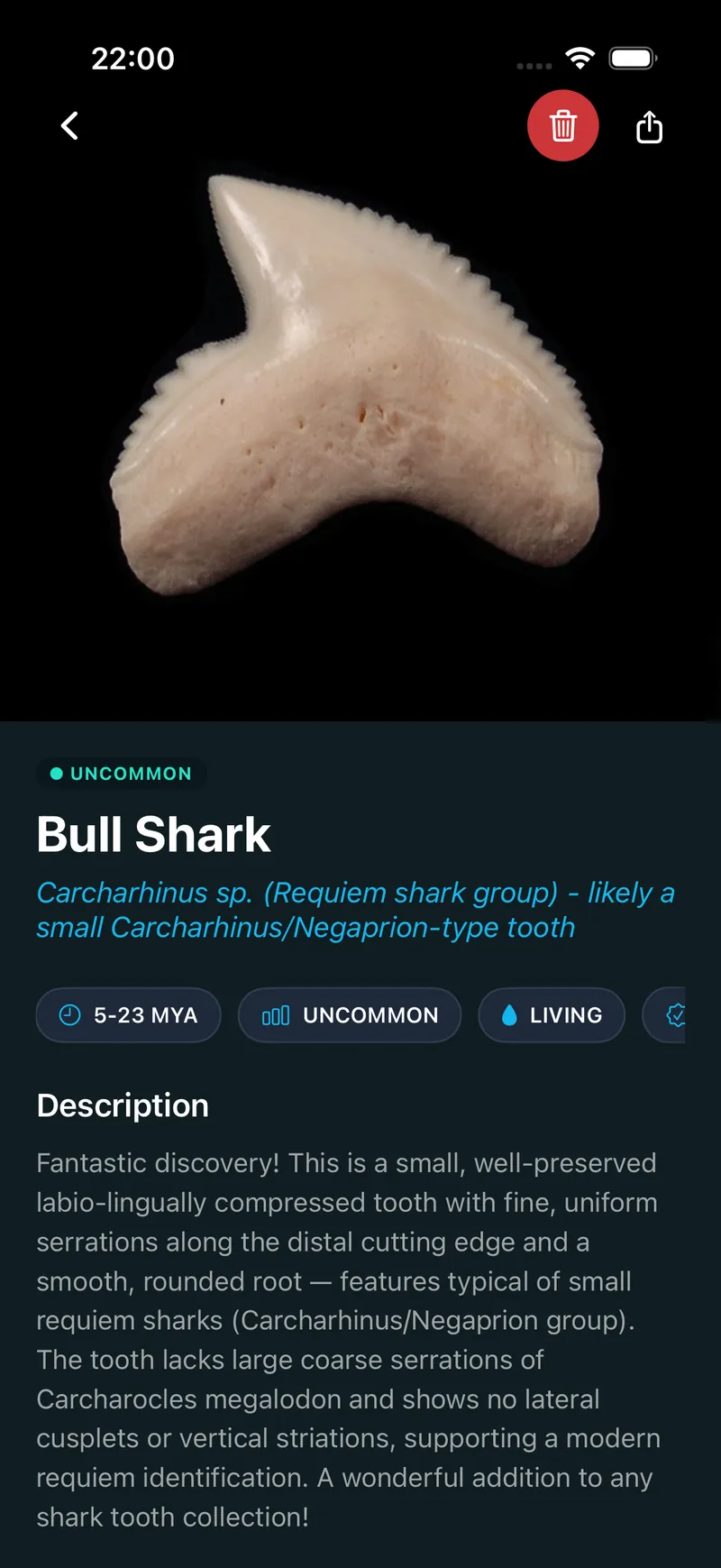
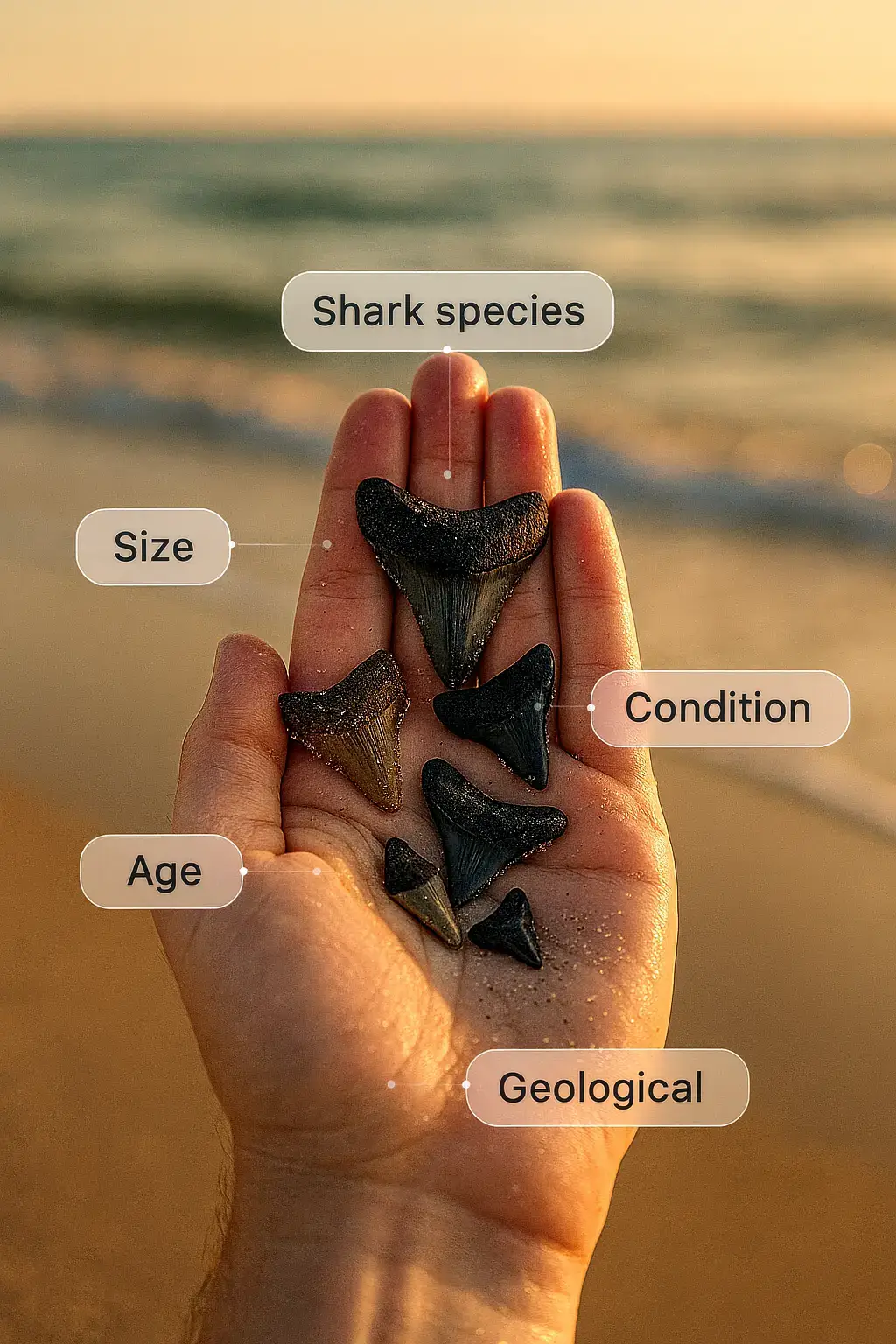
Take a photo in the iPhone app or choose an existing image. The shark tooth scanner analyzes the visible tooth and returns a likely species match with a profile you can review.
Features visible in the photo
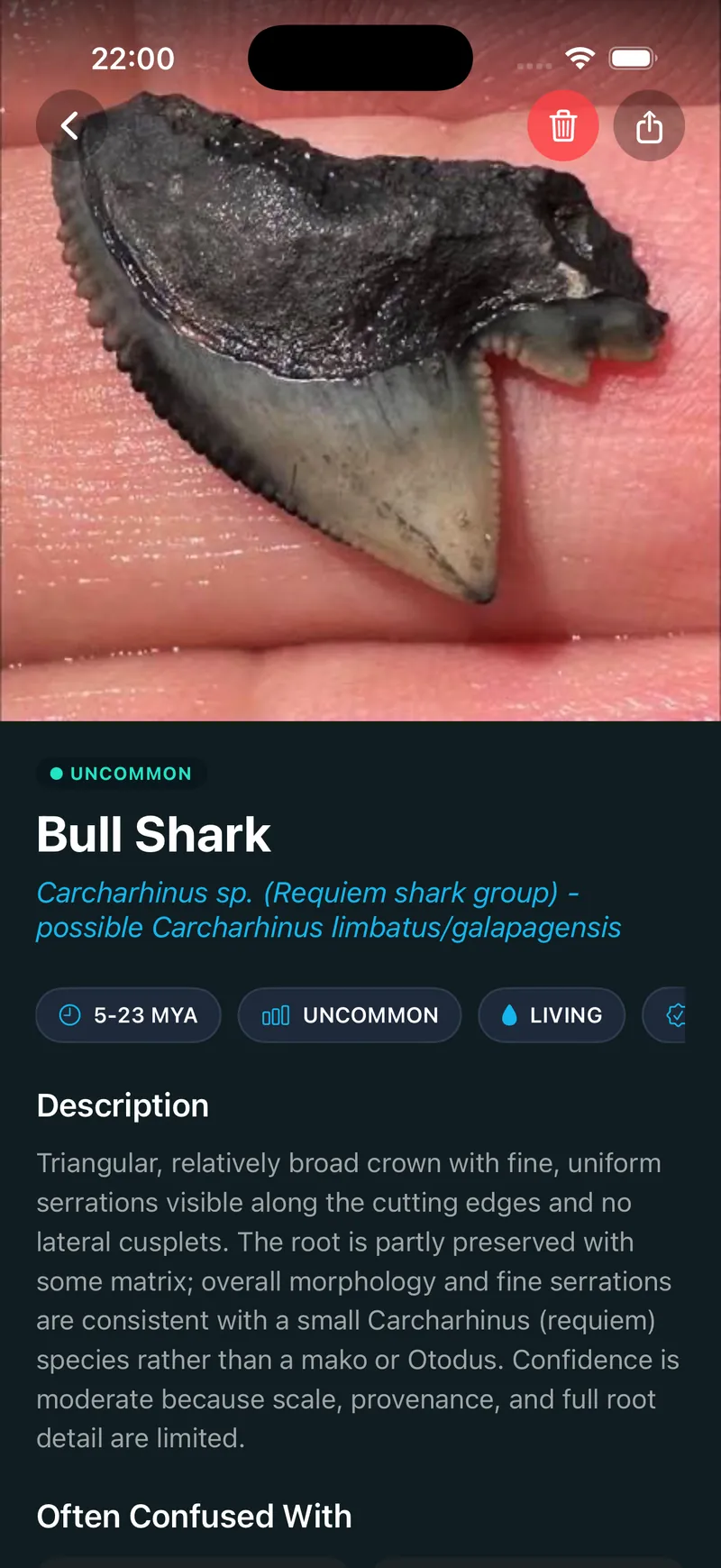
A clear image shows the crown shape, root, proportions, and serrations. Keep the entire tooth in frame so the app has more visible details to compare.
A result you can review
The result includes information about the suggested species, such as the shark's habitat, time period, size, and tooth shape. Use those details to compare the suggestion with your specimen.
Save the find
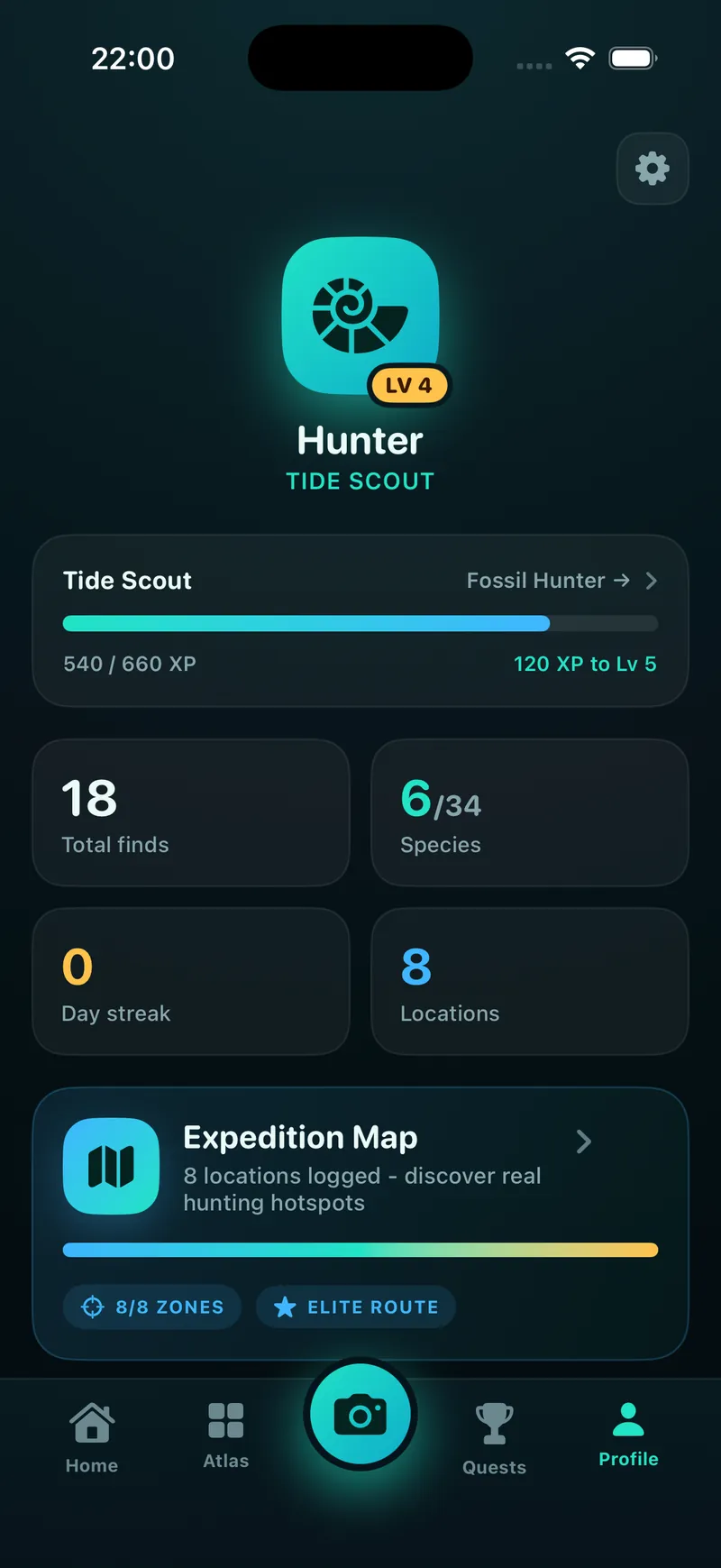
Add the photo, identification result, notes, and timestamp to your personal collection when you want to keep a record of the tooth.
How to Photograph a Shark Tooth for Identification
Image quality affects how much of the tooth the app can compare. A simple setup usually produces the clearest photo.
1. Remove loose sand
Brush away loose sand or debris without damaging the tooth. Make sure the crown and root are visible.
2. Use a contrasting background
Place a dark fossil tooth on white paper or a light tooth on a dark, plain surface. Avoid patterned backgrounds.
3. Light the tooth evenly
Use daylight or a bright indoor light and avoid hard shadows across the serrations or root.
4. Fill the frame
Hold the camera steady, focus on the tooth, and include the full crown and root. Retake the photo if the edges look blurred.
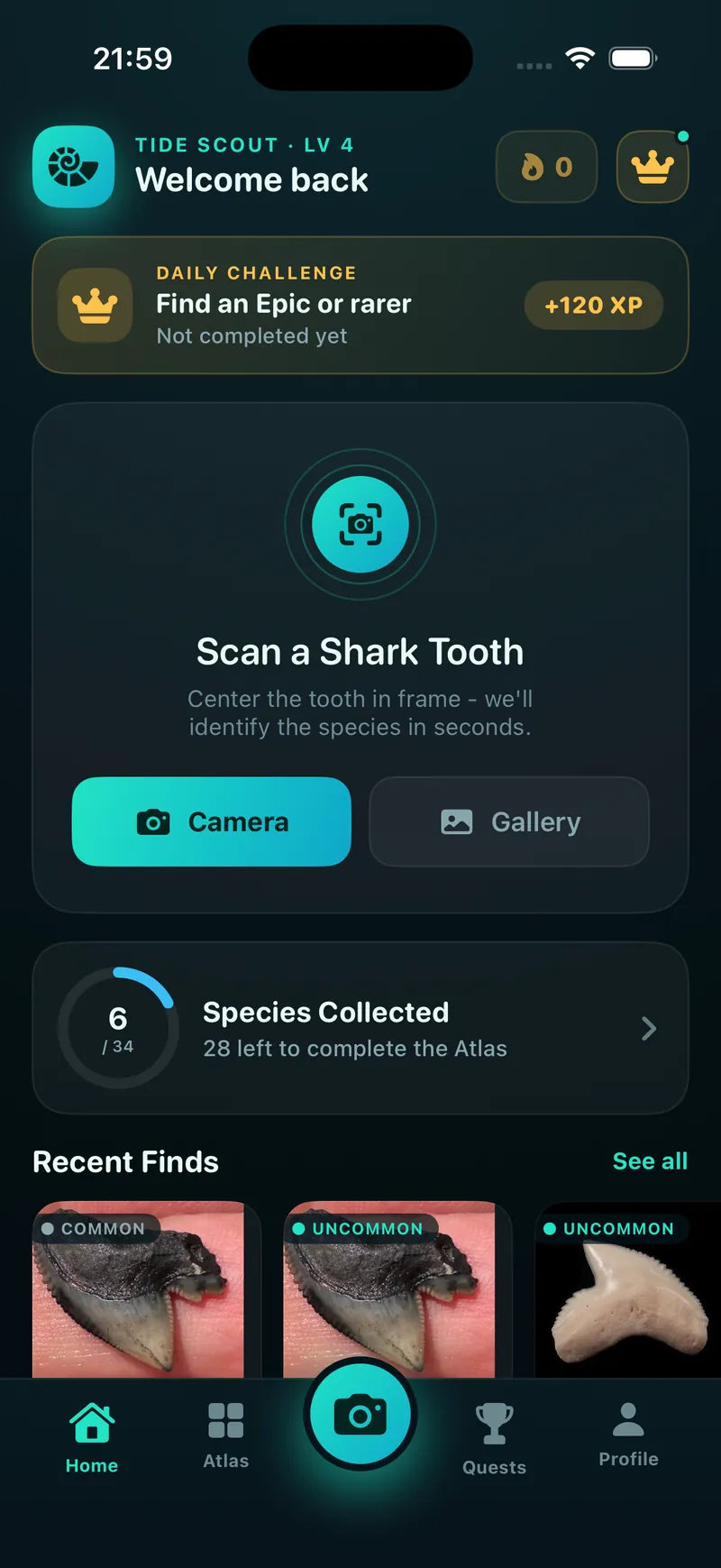
Found a tooth like this?
Snap a photo and get a likely species match, age and rarity in seconds.
Download on theApp StoreWhat You Can Do After a Scan
The result is a starting point for identifying and documenting a beach find or fossil tooth.
Read the species profile
Compare the suggested shark's tooth shape and species details with the specimen in your hand.
Keep collection notes
Save your photo and result with notes and a timestamp, then organize finds in your personal collection.
Check a close match
Open the species guides on this site when you need to compare roots, crowns, serrations, or similar shark species in more detail.